My own project Web application: SplitForge
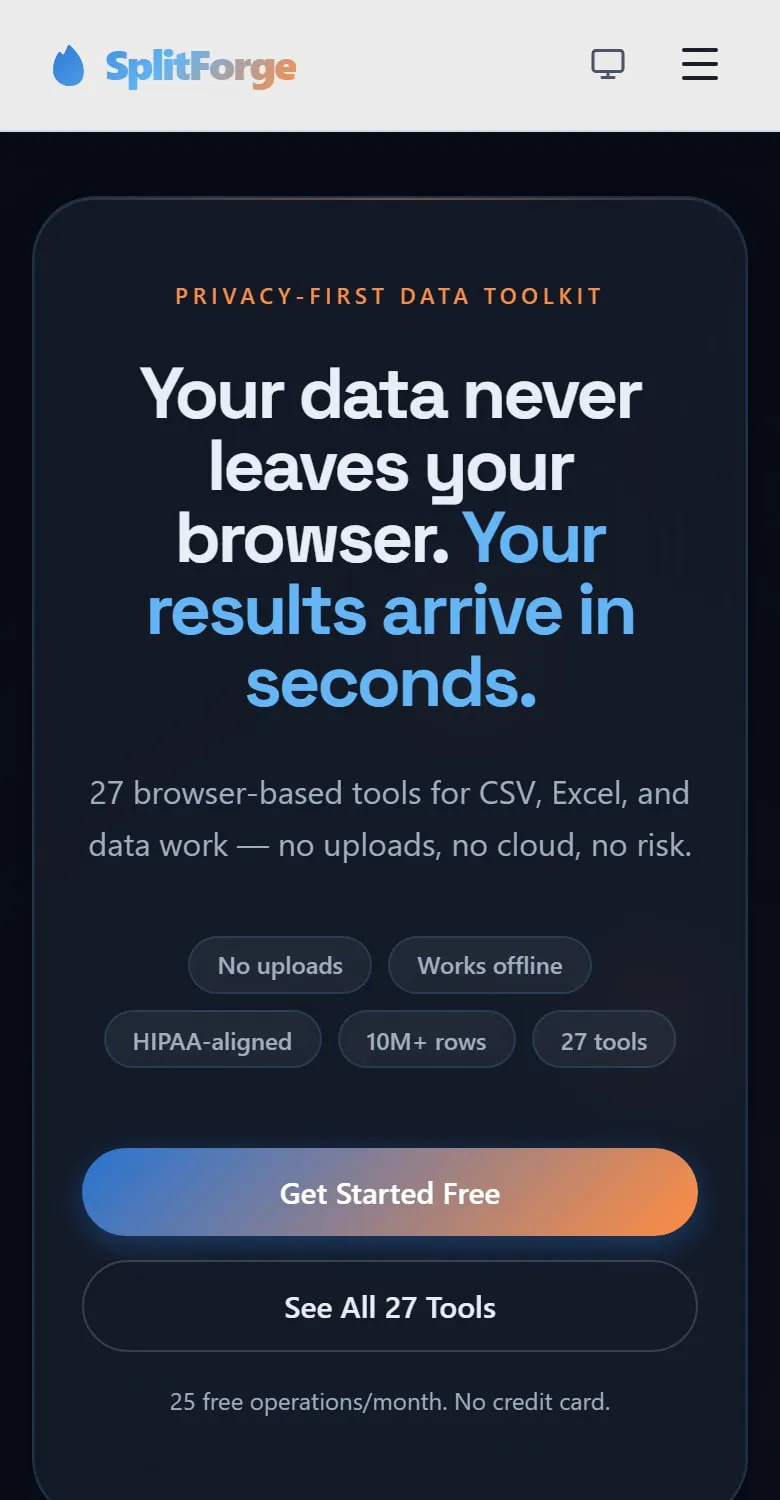
Twenty-seven tools. The files never leave the browser.
SplitForge is my own product: tools for splitting, merging, cleaning and converting CSV and Excel files. The files you open are processed in your own browser. They aren't uploaded to a server.

Where the file goes, and where it doesn't
Most online file tools upload your file to their server. SplitForge keeps the file you're working on on your computer the whole time.
- On your computerYour fileOpened from your own disk, in your browser.
- In your browser tabThe toolSplitForge reads the file and does the work there.
- Large filesA Web WorkerA separate thread, so the page stays usable while a big file runs.
- On your computerThe resultSaved back to your own disk.
No upload. The file you process isn't sent to a server at any step.
At a glance
- Built with
- React and Vite, with large files processed in Web Workers
- Scope
- 27 tools, in six languages, with free and paid plans
- Tested with
- More than 100 automated test files, plus build-time checks
- Hosted on
- Netlify, with pages prerendered for search engines and strict security headers
How it was built
The problem it solves
Many online file tools ask you to upload the file. For a customer list or a payroll sheet, that's a real risk. SplitForge does the work on the visitor's own computer, so the file isn't sent anywhere.
What was hard
- Large spreadsheets can freeze a browser tab. Large files are handed to Web Workers, which run separately from the page, so the page stays responsive while a big file is worked on.
- Twenty-seven tools would make a slow first load. Each tool loads only when someone opens it.
- A tool site depends on search, but a browser app is hard for search engines to read. Pages are prerendered at build time, so each tool has a real page a search engine can index.
How quality is held
- More than 100 automated test files cover the app and its server functions.
- Lint warnings have a ceiling, and the rule is that it only goes down.
- The build stops if a translation is missing or a prerendered page is wrong.
In the source
A few real lines, so you can see the approach rather than take my word for it.
const fileSizeMB = file.size / 1024 / 1024;
const isLargeFile = fileSizeMB > 100;
// …
if (isLargeFile) {
  const worker = new Worker(`/workers/AggregateGroupTool/aggregateGroupWorker.js?v=${import.meta.env.VITE_APP_VERSION ?? ''}`);
  workerRef.current = worker;
  worker.onmessage = (e) => {
    const { type, data } = e.data || {};
// … progress, errors and the finished fileWhat this doesn't show
The limits, stated plainly, so you can weigh the evidence.
- How many people use it, and what it earns, isn’t published here.
- Because the work happens on the visitor’s own computer, a very large file is limited by that computer’s memory and speed.
- Accounts and paid plans use server functions. The files people process don’t.
What it shows about how I work
This is my own project, not client work. Here's what it says about my habits.
- I build working software, not only brochure sites.
- I load things only when they’re needed, and let the build check itself before anything ships.
- If a project needs more than WordPress does well, I'll say so, and quote it individually.
More work, and what it costs
Want your site built, or looked after?
Start with the free check: one page on what your customers see, written by me.